Today
- Spreadsheets everywhere, data in silos
- Slow quoting costs deals
- No real-time view of cash flow or stock
- Growth adds complexity, not margin
Switching
Most brokers on an older platform do not have a software crisis. Quotes still go out and the team knows the workarounds. The cost shows up elsewhere: slower quotes, numbers rebuilt in spreadsheets, and a quiet worry about what happens if the system goes down on a busy Monday.
Warning signs
Related reading: Hidden risks: if your system went down on a busy Monday
Before and after
Today
With Dashing
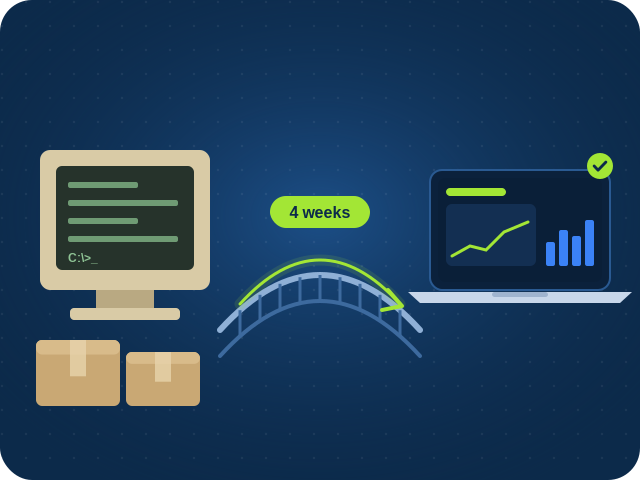
The four weeks
The main reason brokers delay is fear of disruption, not cost. A Dashing migration is a planned four-week project, not an open-ended rollout.
A review of your data structure, workflows and objectives. Your live operation carries on as normal.
Your customer records, supplier data, pricing history and transaction data move across, handled by the Dashing team. Quoting workflows, user roles and reporting views are set up around how you work.
Role-specific sessions for sales, finance and management, with questions answered before launch.
Post-launch support in place for the first weeks of real work.
What comes with you
Behind it sits a dedicated customer success manager and Dashing's satisfaction guarantee.
Proof
“I finally have an ERP I can rely on, with the support and flexibility this industry needs.”
FAQ
No. Week one changes nothing in your live operation, and go-live is planned around your business.
The Dashing team, working with you.
Post-launch support and a dedicated customer success manager stay with you.
Dashing backs every migration with a satisfaction guarantee.
Next step
A short call to look at your current setup and map the four weeks for your business.